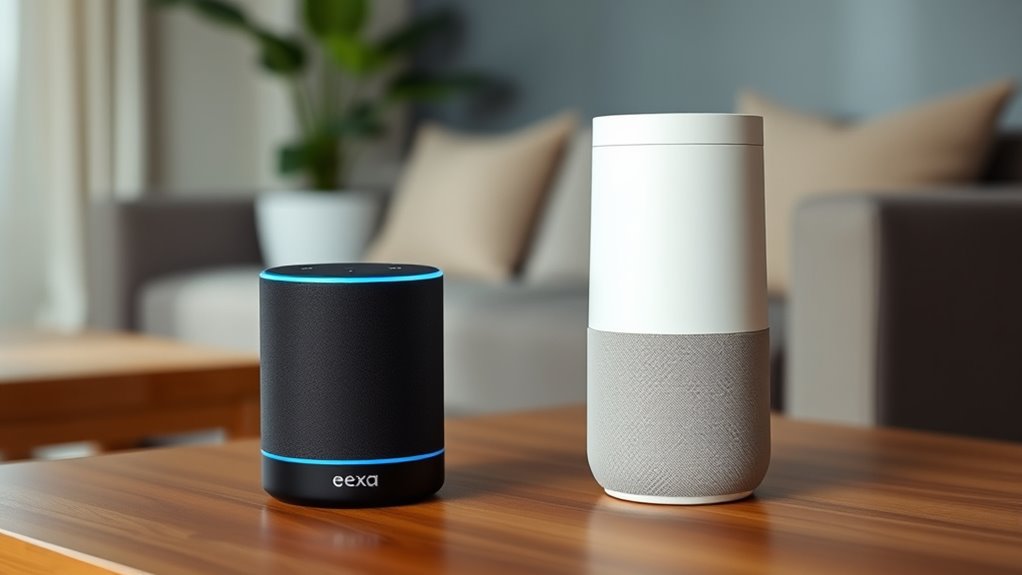

Choosing between Alexa and Google Assistant depends on your privacy preferences and existing devices. Alexa offers a broad range of compatible smart home gadgets and integrates well with Amazon’s ecosystem, while Google Assistant provides seamless access to Google services like Gmail and Calendar. Consider which privacy controls matter most and what smart devices you already use. To find out which one fits your lifestyle better, explore the detailed differences and features ahead.
Key Takeaways
- Consider device compatibility: Alexa offers a broader range of smart home device support, while Google Assistant integrates seamlessly with Google services.
- Evaluate privacy controls: Both platforms provide data management options, but transparency and privacy policies vary.
- Match ecosystem preference: Choose Alexa for Amazon’s ecosystem or Google Assistant for Google’s services like Gmail and Chromecast.
- Assess use case priorities: Alexa excels in smart home control and third-party integrations; Google Assistant shines in personalized routines and Google ecosystem integration.
- Determine device availability: Alexa devices are widely compatible across brands, whereas Google Assistant is built-in primarily on Android devices and Google hardware.
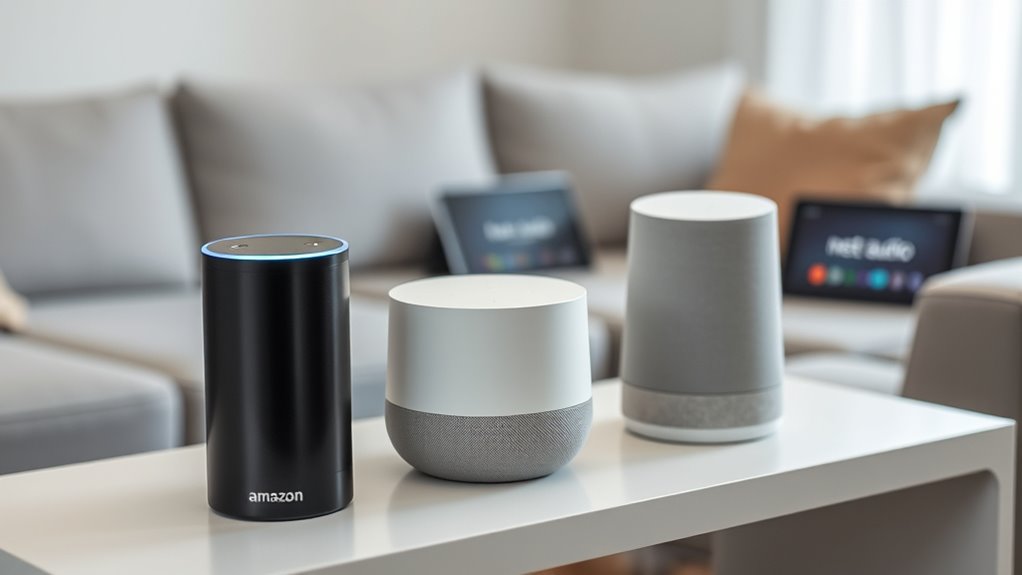
Have you ever wondered which smart assistant is better: Alexa or Google Assistant? Choosing between these two boils down to understanding how each fits into your daily life, especially when it comes to privacy concerns and device compatibility. Both voice assistants offer impressive features, but they differ markedly in how they handle your data and integrate with other gadgets. If privacy is a top priority, you’ll want to contemplate how each company manages your voice recordings and personal information. Alexa, developed by Amazon, has faced scrutiny over its data collection practices, with recordings stored in the cloud and sometimes shared for analysis. Google Assistant, on the other hand, benefits from Google’s robust data infrastructure, allowing for more personalized responses. However, this also means that your interactions are used to refine Google’s services, which might raise privacy concerns for some users. Both companies have introduced privacy controls, like options to delete recordings and manage data sharing, but you should evaluate how transparent each platform is about their data policies. When it comes to device compatibility, Alexa tends to have a broader ecosystem of compatible devices, thanks to Amazon’s open approach. It works seamlessly with a wide range of smart home products, from light bulbs to thermostats, and supports many third-party devices. If you already have a collection of smart gadgets, Alexa might be more adaptable to your setup. Google Assistant, while slightly more selective, excels in integrating with Google’s ecosystem, including Gmail, Calendar, and Chromecast. If you rely heavily on Google services for your daily routine, Google Assistant can offer smoother, more integrated experiences. Compatibility also extends to smartphones and tablets—Google Assistant is built into Android devices, making it easier to access and use without extra setup. Conversely, Alexa is available on a variety of Echo devices and can be added to other voice-activated speakers, but features may vary based on the device. Your choice depends on whether you value a broader device ecosystem or tighter integration with specific services. Both assistants are capable of controlling smart homes, playing music, setting reminders, and answering questions, but your existing devices and preferred platforms should guide your decision. Additionally, Vetted data policies play a crucial role in understanding how your information is managed and protected. Ultimately, if privacy concerns are paramount, you’ll want to scrutinize each provider’s data management policies. If device compatibility and ecosystem integration matter most, think about your current gadgets and how they connect. In any case, both Alexa and Google Assistant are powerful tools, but understanding their strengths and limitations ensures you pick the one that best aligns with your lifestyle and priorities.
Frequently Asked Questions
Can Both Assistants Control Third-Party Smart Home Devices?
Both assistants can control third-party smart home devices through third-party integrations, but their compatibility varies. You can use voice command customization to set up routines and control devices seamlessly. Alexa generally supports a wider range of third-party smart home products, while Google Assistant offers robust integration with popular brands. Your choice depends on which ecosystem you prefer and the specific devices you want to manage with your voice commands.
Which Assistant Offers Better Privacy Features?
Like Pandora’s box, privacy concerns with voice assistants are complex. You’ll find that Google Assistant emphasizes strong data encryption, ensuring your voice recognition data remains secure, while Alexa offers transparent controls over your data. Both prioritize privacy, but Google’s focus on continuous improvements and encryption might give you greater peace of mind. Ultimately, your choice depends on how much you value voice recognition security and data protection in your smart home.
Are There Differences in Language Support?
You’ll find that both Alexa and Google Assistant offer strong multilingual support, but they differ in language diversity. Google Assistant tends to support more languages and dialects, making it better if you need multilingual capabilities. Alexa also offers multilingual support, but with fewer language options. If language diversity is essential for you, Google Assistant’s broader multilingual support makes it a better choice for seamless communication in multiple languages.
How Do Updates Differ Between Alexa and Google Assistant?
Imagine your smart speaker as a tireless librarian, always ready to serve. When it comes to updates, Google Assistant often gets faster updates, improving voice recognition and adding new features more frequently. Alexa’s updates are steady but less rapid, ensuring stability. So, if you crave quick changes and cutting-edge voice recognition, Google might steer you better. Otherwise, Alexa’s consistent updates keep things reliable on your journey.
Which Device Has Better Sound Quality?
When it comes to music quality and audio performance, you’ll notice that some smart speakers deliver richer sound than others. If you prioritize deep bass and clear highs, you might find that one device offers better sound quality for your preferences. You’ll want to compare their speakers, volume capacity, and overall audio performance to see which one enhances your listening experience the most. Ultimately, choosing the right one depends on your sound quality expectations.
Conclusion
Ultimately, choosing between Alexa and Google Assistant depends on your needs. If you want a device that’s like having a friendly robot butler, Alexa’s your go-to. For a smarter, more intuitive helper, Google Assistant’s your best bet. Imagine it’s like choosing between a shiny new spaceship or a classic Model T; both get you there, but your style guides the choice. Whichever you pick, you’ll have a capable sidekick right in your living room.