

When buying a laptop, focus on key specs like battery life, screen resolution, and display quality to guarantee it fits your needs. A longer battery life means less worry about recharging, while higher resolution screens provide sharper images and clearer text. Display technology like IPS or OLED can make colors more accurate and viewing angles wider. Understanding these features helps you choose the right laptop—keep exploring to learn more about making a smart decision.

Turn quiet afternoons into listening time
- Thousands of audiobooks, podcasts and originals
- Listen on your phone, tablet or Echo — also offline
- Cancel anytime
Key Takeaways
- Focus on battery life to ensure your laptop lasts through your daily activities without frequent recharging.
- Choose a higher screen resolution, like Full HD or 4K, for clearer and more detailed images and text.
- Consider display technology such as IPS or OLED for better color accuracy and wider viewing angles.
- Balance your needs—prioritize battery life for portability or high resolution for visual quality—based on your usage.
- Select features that improve your experience and match your daily tasks, avoiding unnecessary high-end specs.
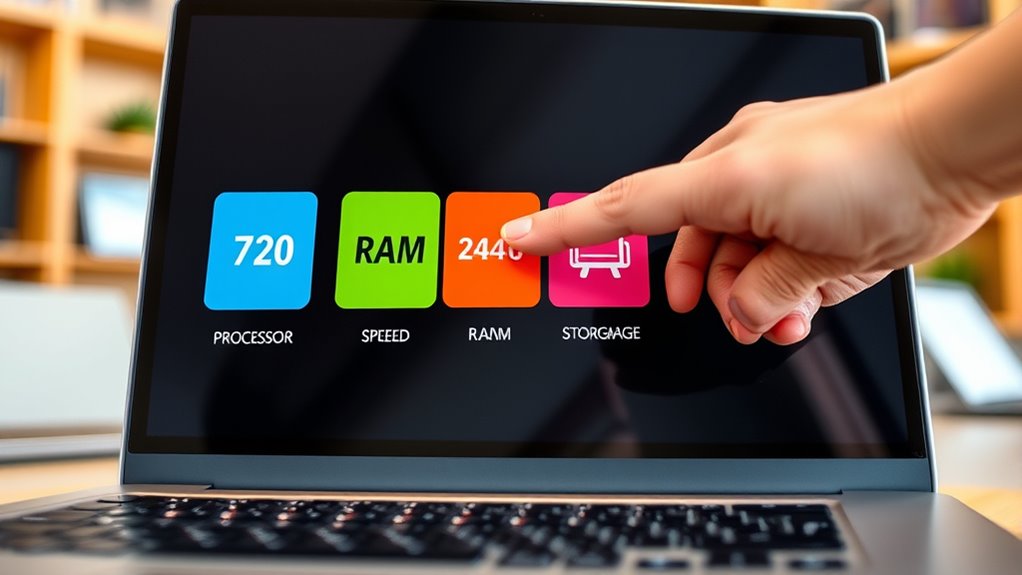
Buying a laptop can feel overwhelming, especially if you’re not familiar with tech jargon. With so many options available, it’s easy to get lost in specifications that seem confusing at first glance. But understanding a few key features can help you make a smarter choice. Let’s start with battery life and screen resolution—two important factors that considerably impact your daily experience.
Battery life determines how long your laptop can run without needing a recharge. If you’re someone who works on the go, travels frequently, or simply hates constantly hunting for an outlet, paying attention to battery life is essential. Laptops with longer-lasting batteries can give you several hours of use on a single charge, making it easier to work, browse, or stream without interruptions. Manufacturers often specify estimated battery life, but keep in mind that real-world usage can vary based on what you’re doing. For example, streaming videos or running intensive programs will drain the battery faster than basic tasks like browsing the web or checking emails. If battery life is a priority, look for models that offer at least 8 hours of usage, and read reviews to see how long users report actual performance.
Screen resolution is another key feature that influences how you experience your laptop. It refers to the clarity and sharpness of the display. The higher the resolution, the more detailed and crisp the images and text will appear. Common options include Full HD (1920×1080), which is standard for most laptops, and higher resolutions like 4K (3840×2160), which provide even sharper visuals. If you’re into photo editing, watching movies, or simply want vibrant, clear visuals, opting for a higher screen resolution makes a noticeable difference. Keep in mind that higher resolutions can demand more from the laptop’s graphics and processor, potentially impacting battery life and performance. For everyday tasks and general use, Full HD is usually sufficient and offers a good balance between clarity and power efficiency. Additionally, display technology such as IPS or OLED can significantly enhance color accuracy and viewing angles, making your visual experience even better.
In the end, choosing the right laptop means balancing these specs with your needs. If portability and all-day use are important, prioritize a model with long battery life. If visual quality matters, aim for a higher screen resolution. By understanding these key features, you’ll find it easier to select a laptop that fits your lifestyle without getting bogged down by unnecessary details. Remember, the goal isn’t to find the most powerful machine, but the one that best suits how you’ll actually use it.
Products Worth Considering

Oura Ring 4 Smart Ring – Silver – Size 8

Therabody Theragun Mini 3rd Gen Massage Gun (Travel Essential, Black)

Therabody Theragun Relief Massage Gun – Black
As an affiliate, we earn on qualifying purchases.
Frequently Asked Questions
How Do I Know Which Specs Matter Most for My Needs?
When choosing specs, think about what you’ll use most. If you need to work on the go, prioritize battery life so your laptop lasts longer. If you work with large files or want easy access from anywhere, cloud storage is key. Focus on the processor and RAM for smooth multitasking, but don’t overlook how long the battery lasts or how much cloud storage you can access, matching your needs efficiently.
Are Higher Specs Always Better for Everyday Use?
They say “more isn’t always better,” and that’s true for everyday use. Higher specs, like a powerful graphics card or longer battery life, won’t necessarily improve your experience if you mainly browse or email. Instead, focus on what matters most for your needs. For instance, a good battery life helps if you’re on the go, while a decent graphics card isn’t essential unless you game or do heavy editing.
What’S the Difference Between RAM and Storage?
RAM and storage serve different purposes in your laptop. RAM is like your short-term memory, helping your system run programs smoothly and multitask efficiently. Storage is your long-term memory, where files, apps, and the operating system are saved. Understanding hardware compatibility and upgrade options for both guarantees your laptop meets your needs today and can grow with you later. More RAM improves performance, while ample storage keeps your files accessible.
How Do I Compare Processors Across Different Brands?
Imagine comparing tiny engines powering your laptop; processor benchmarks serve as your visual guide, showing how each performs across tasks. You should also consider brand reputation, as trusted names often guarantee quality and reliability. While benchmarks give you a measurable idea, looking at reviews and user experiences helps you see how brands stand out. This way, you make a smarter choice, knowing which processor and brand can meet your needs best.
Do Gaming Laptops Have Different Key Specs I Should Consider?
Yes, gaming laptops often have different key specs to boost performance. Focus on the graphics card, as it handles rendering visuals—more powerful cards mean better graphics. Also, check the refresh rate; higher rates (like 120Hz or 144Hz) make gameplay smoother. These specs are essential for gaming, so compare models to find one with a strong graphics card and a high refresh rate for an excellent experience.
Conclusion
Understanding these key specs helps you make smarter choices when buying a laptop. Did you know that over 60% of buyers feel overwhelmed by tech jargon? Don’t let that stop you—focusing on what matters most, like processor speed and battery life, makes all the difference. With a clear grasp of these terms, you’ll confidently pick the perfect laptop for your needs and avoid buyer’s remorse. Happy shopping!