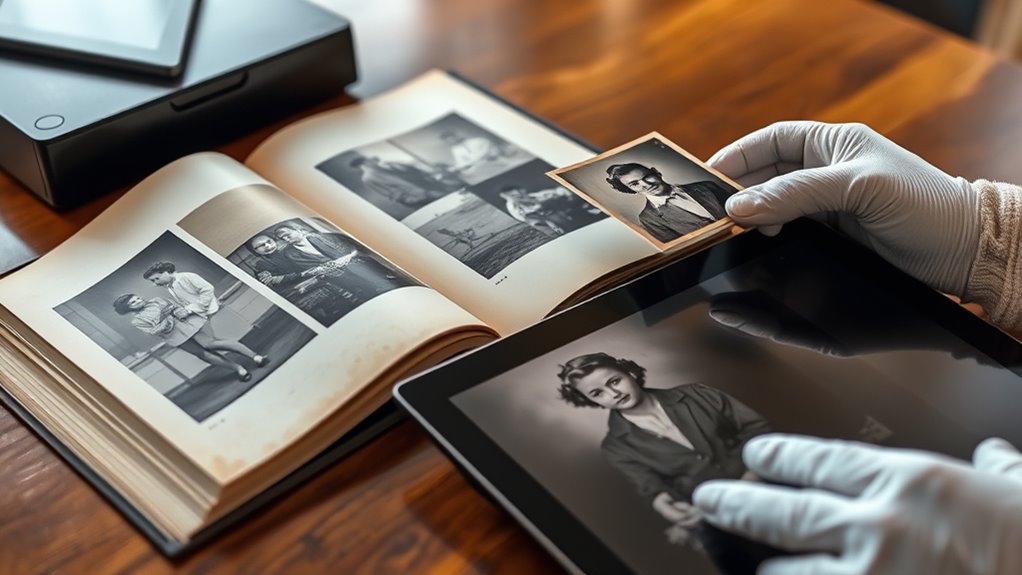

To preserve your old photos, start by digitizing them with a high-quality scanner or camera, ensuring clear and detailed copies. After digitizing, store digital backups on multiple devices or cloud services, and organize files with clear labels. Keep physical photos in acid-free albums away from sunlight, humidity, and extreme temperatures. Consider restoration services or DIY editing to enhance damaged images. If you want to learn more about protecting your memories, keep exploring the best ways to preserve and cherish these priceless treasures.

Turn quiet afternoons into listening time
- Thousands of audiobooks, podcasts and originals
- Listen on your phone, tablet or Echo — also offline
- Cancel anytime
Key Takeaways
- Use a high-resolution scanner or a smartphone with a good camera to digitize photos for clear, detailed images.
- Handle original photos carefully, avoiding direct sunlight and fingerprints, before scanning or photographing.
- Save digital copies in multiple formats and locations, including cloud storage, for backup and easy access.
- Edit and restore digital images using photo editing software to enhance quality and repair damage.
- Store original photos in acid-free albums or boxes in a cool, dark, and dry environment to prolong their lifespan.
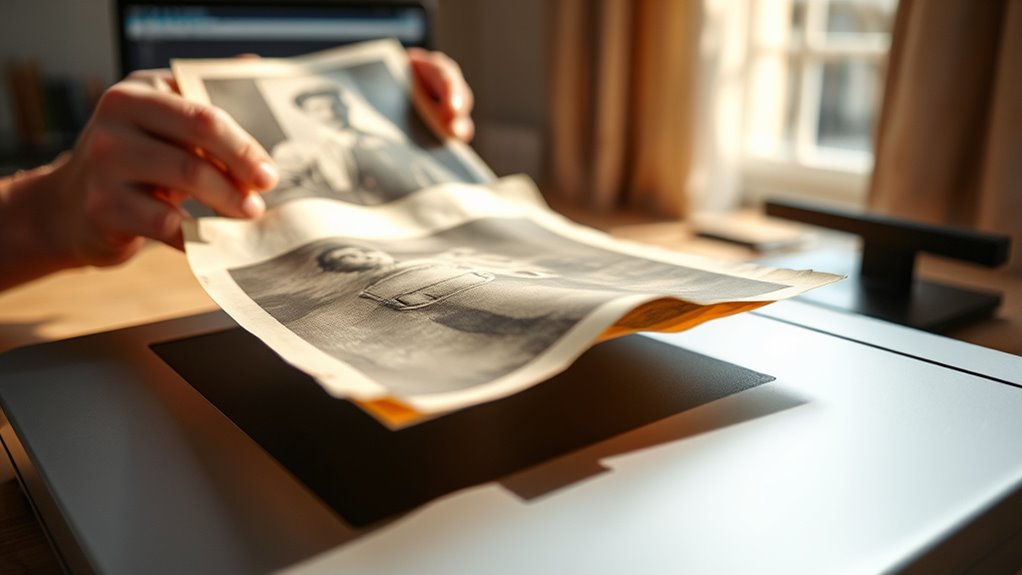
Old photos hold priceless memories, but they’re vulnerable to fading, damage, and deterioration over time. Without proper care, these treasured images can become fragile or lost forever. That’s why understanding effective preservation methods is essential. Digitizing your old photos is one of the best ways to safeguard them, but before you start, it’s helpful to explore restoration techniques and proper storage solutions. Restoration techniques can repair minor damage like scratches, tears, or fading, making your images clearer and more vibrant. You might consider professional restoration services that use software to enhance colors, remove spots, or fix tears. Alternatively, if you prefer doing it yourself, you can use photo editing tools to improve quality. Once your images are restored digitally, they’re easier to duplicate, share, and preserve without risking further physical damage.
Equally important is how you store your original photos. Proper storage solutions can markedly slow down deterioration. Avoid placing photos in direct sunlight, which accelerates fading, and keep them away from areas with high humidity or temperature fluctuations. Acid-free albums, folders, or boxes provide a stable environment that prevents chemical reactions that cause yellowing or brittleness. When stacking photos, place each one individually in acid-free sleeves to prevent scratches and tears. Keep your stored photos in a cool, dry, and dark place—basements and attics are often unsuitable because they tend to have inconsistent temperatures and moisture levels. Instead, choose a climate-controlled environment, like a closet or a dedicated storage room, to guarantee their longevity. Additionally, understanding the second trimester overview can help you plan your preservation efforts during less physically demanding times.
In addition to physical storage, creating digital backups is vital. After digitizing your photos, save copies on multiple devices or cloud storage. This way, even if your physical copies suffer damage, you’ll still have access to high-quality digital versions. Label your files clearly with dates and descriptions so you can easily locate specific memories later. Regularly check your digital backups and update them to prevent data loss. Combining good restoration techniques with proper storage solutions ensures your old photos remain intact for generations. It’s a proactive approach that preserves your family history and keeps those precious moments alive, even as time passes. By investing in both digital preservation and physical care, you’re making sure your memories stay vibrant and protected, ready to be enjoyed today and in the future.
As an affiliate, we earn on qualifying purchases.
Frequently Asked Questions
What Are the Best Tools for Digitizing Fragile Photos?
When you want to digitize fragile photos, choosing the right tools is key for effective photo preservation. Use a flatbed scanner with a high resolution, which guarantees detailed scans without damaging delicate prints. You can also explore specialized photo scanners designed for fragile materials. Employ gentle scanning techniques, avoiding excessive pressure, and set appropriate settings like color correction and dust removal. These tools and methods help preserve your memories for years to come.
How Do I Prevent Digital File Corruption?
Did you know that 30% of digital files are lost each year? To prevent file corruption, you should regularly back up your digital photos and guarantee storage security. Use reliable external drives or cloud services for file backup, and avoid storing everything in one location. Keep your files updated and scan for malware. By taking these steps, you safeguard your memories against corruption and loss.
What Is the Ideal Resolution for Scanning Old Photos?
When choosing the ideal resolution for scanning old photos, you should consider resolution standards and scanning quality. For most purposes, a resolution of 300 DPI (dots per inch) provides good detail and clarity. If you plan to enlarge or print the images, opt for 600 DPI or higher. This guarantees your digital copies maintain high scanning quality, preserving details and colors for future enjoyment and preservation.
How Can I Organize Digital Photos Effectively?
To organize your digital photos effectively, start by creating clearly labeled folders by date or event. Use photo metadata to add details like location and description, making searches easier. Regularly back up your collection to cloud storage to prevent loss. Consistently maintaining this system helps you quickly find memories, keeps your digital library tidy, and guarantees your photos stay safe and accessible for years to come.
Are There Professional Services for Photo Digitization?
Did you know that over 60% of people prefer professional services for digitizing photos? Yes, there are specialized companies that handle photo restoration and digitization, ensuring your memories are preserved with high quality. They can address copyright concerns, especially if you’re digitizing old or fragile images. Hiring professionals saves you time and guarantees expert care, making sure your precious photos are safely transformed into digital files that last for generations.
As an affiliate, we earn on qualifying purchases.
Conclusion
By digitizing your old photos, you’re giving your cherished memories a new life, much like turning fragile paper into resilient digital files. This process not only protects your photos from deterioration but also makes sharing and organizing them easier than ever. Think of digital backups as a safety net for your treasured moments—ensuring they’re preserved for generations to come. So don’t wait; start digitizing today and keep your memories alive like a lighthouse shining through the fog.
As an affiliate, we earn on qualifying purchases.
As an affiliate, we earn on qualifying purchases.
Fall Picks
fall essentials
As an affiliate, we earn on qualifying purchases.