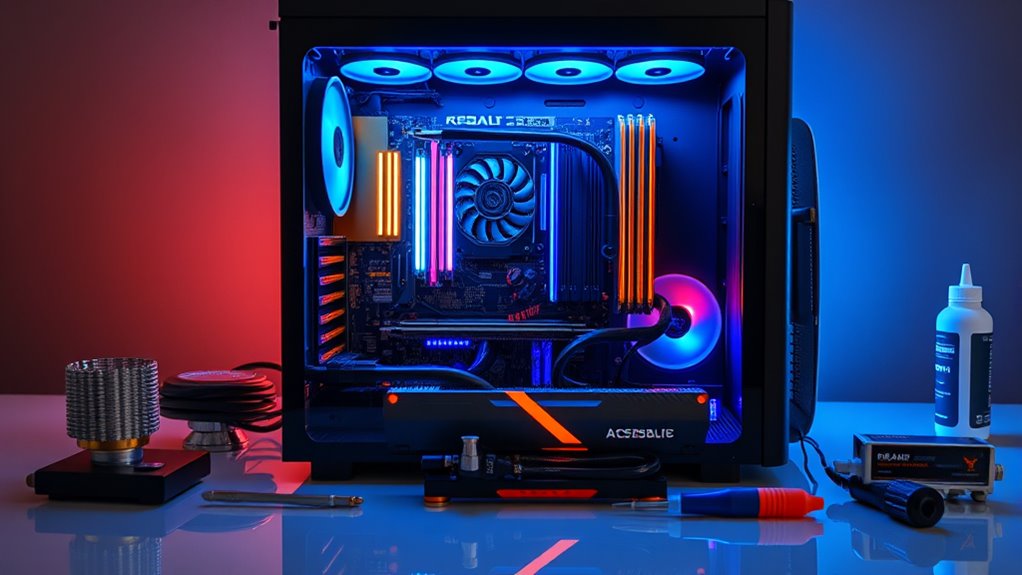

To build a gaming PC, start by setting a clear budget to prioritize essential components like the CPU, GPU, and cooling. Choose compatible parts that fit your case and airflow needs, opting for air or liquid cooling based on your preferences. Select a reliable power supply with enough wattage for future upgrades. Carefully assemble your parts, manage cables well, then update drivers and test stability. Keep these steps in mind to create a balanced, high-performance system—more tips await as you explore further.
Key Takeaways
- Set a clear budget and prioritize essential components like CPU and GPU.
- Choose compatible case and cooling solutions based on size, airflow, and performance needs.
- Select a reliable power supply with enough wattage for current and future upgrades.
- Assemble components carefully, managing cables and following safety guidelines.
- Update drivers and BIOS, then test and optimize your system for stable gaming performance.
Building a gaming PC can be a rewarding experience, but it requires careful planning and understanding of the components involved. One of the first things you need to consider is your budget. Your budget will influence every decision, from choosing a CPU to selecting cooling solutions. Set a clear spending limit beforehand so you can prioritize essential components like the graphics card and processor. Remember, you don’t need to break the bank to build a capable gaming rig; there are great options at various price points, and balancing cost with performance is key.
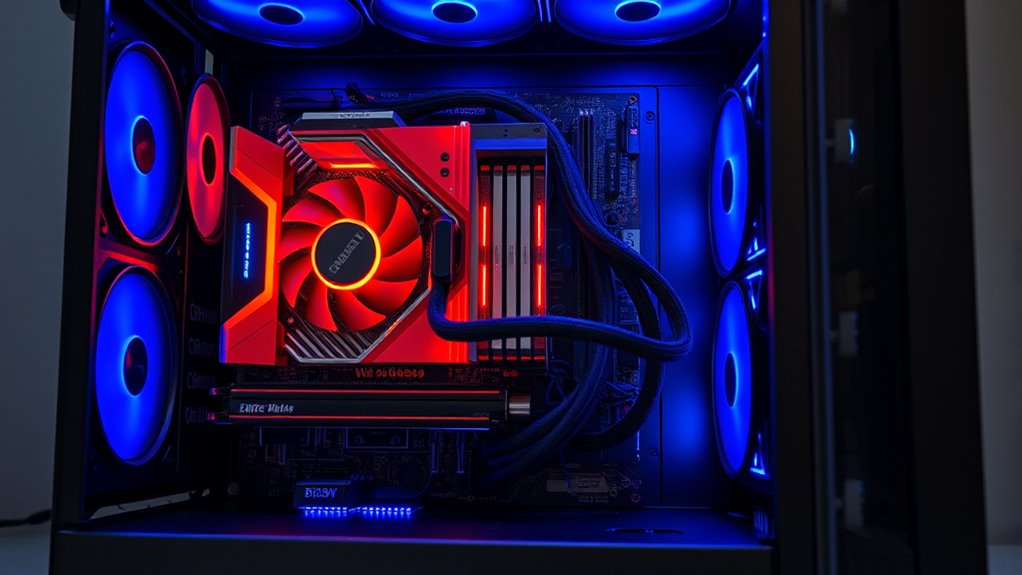
Once you have your budget in mind, focus on selecting the right components. Your CPU and GPU are the heart of your gaming experience, so invest in the best you can afford within your limits. When it comes to cooling solutions, don’t overlook their importance. Effective cooling keeps your system stable and prolongs component lifespan. You can opt for air cooling, which is generally more affordable and easier to install, or go for liquid cooling if you want quieter operation and better thermal performance. Consider the size of your case and compatibility when choosing cooling options—some high-performance coolers require ample space.
Prioritize your CPU and GPU, and choose cooling solutions that balance performance, size, and budget.
Next, think about your case and how it will accommodate your components and cooling solutions. Proper airflow is vital—plan your fan setup to ensure cool air intake and warm exhaust. Good airflow prevents overheating and maintains performance during long gaming sessions. If you’re on a tight budget, a well-ventilated mid-tower case with multiple fan mounts can be a cost-effective choice. For those willing to spend more, high-end cases with optimized airflow and aesthetic features can enhance your build.
Power supply is another essential piece. Pick a reliable power supply unit (PSU) with enough wattage to support your components, especially if you plan to upgrade later. A high-quality PSU ensures stable power delivery and protects your system from electrical issues. Remember, a good cooling solution paired with a stable power supply helps you avoid thermal throttling and crashes, giving you a smoother gaming experience. Additionally, understanding how arcade machines work can give you insights into hardware design and performance optimization.
Finally, assemble your components carefully, following manufacturer instructions and safety precautions. Take your time managing cables to ensure proper airflow and aesthetic appeal. Once everything is installed, test your build thoroughly, and don’t forget to update your drivers and BIOS to optimize performance. Building a gaming PC is about balancing your budget, choosing effective cooling solutions, and creating a system that performs reliably during intense gaming sessions. With patience and attention to detail, you’ll end up with a powerful gaming rig tailored to your needs.

KOTIN Prebuilt Gaming PC RTX 5070 12GB, Ryzen 7 9700X, 32GB DDR5, 1TB SSD
- Powerful Graphics and CPU: RTX 5070 12GB and Ryzen 7 9700X
- High-Speed Memory and Storage: 32GB DDR5 RAM and 1TB SSD
- Built-In Smart Display: 11.3-inch screen with real-time stats
As an affiliate, we earn on qualifying purchases.
As an affiliate, we earn on qualifying purchases.
Frequently Asked Questions
How Do I Choose Compatible Components for My Gaming PC?
When choosing components for your gaming PC, you need to focus on the compatibility checklist to guarantee everything works smoothly. Start by verifying component compatibility, like matching your CPU with the right motherboard socket and ensuring your RAM is compatible with your motherboard. Check power supply wattage and GPU compatibility too. Doing this helps prevent bottlenecks and ensures your system runs efficiently, giving you a seamless gaming experience.
What Is the Ideal Budget for a Gaming PC Build?
Your ideal budget depends on your performance expectations and gaming needs. If you want high-end performance for AAA titles, plan to spend around $1,000 to $2,000. For solid 1080p gaming without breaking the bank, $700 to $1,000 works well. Consider your budget considerations carefully, balancing component quality and future upgrade potential. Remember, investing wisely guarantees you get the best performance without overspending.
How Important Is Overclocking in Gaming Performance?
Overclocking can boost your gaming performance by increasing CPU and GPU speeds, offering noticeable improvements in frame rates. The benefits include better game responsiveness and smoother visuals. However, you should be aware of the risks, like overheating and system instability, which could damage components. If you’re comfortable with tweaking settings and monitoring temperatures, overclocking can be worthwhile. Just weigh the benefits against the potential risks before proceeding.
Can I Upgrade My PC Parts Later Easily?
Think of your PC as a garden that you can nurture and expand. Upgrading your parts is straightforward if you choose components with solid upgrade paths and keep future proofing considerations in mind. Most modern PCs are designed to be modular, so swapping out graphics cards or adding RAM won’t feel like tearing up the landscape. With careful planning, you can evolve your gaming setup easily, keeping it fresh and powerful.
What Are the Best Brands for Gaming PC Components?
When choosing the best brands for gaming PC components, focus on reliability and performance. Top brands for graphics cards include NVIDIA and AMD, offering excellent options for high-quality gaming. For gaming peripherals, consider Logitech, Razer, or Corsair, known for durable and responsive devices. These brands guarantee smooth gameplay and upgradeability, making your gaming experience enjoyable. Remember, investing in trusted brands helps your PC stay up-to-date and perform well over time.

Corsair Vengeance i7500 Gaming PC – Liquid Cooled Intel Core i9-14900KF CPU – NVIDIA GeForce RTX 5080 GPU – 32GB Vengeance RGB DDR5 Memory – 2TB M.2 SSD – Black
- Graphics Card: NVIDIA GeForce RTX 5080 GPU
- CPU: Liquid-cooled Intel Core i9-14900KF
- Memory: 32GB DDR5 Vengeance RGB RAM
As an affiliate, we earn on qualifying purchases.
As an affiliate, we earn on qualifying purchases.
Conclusion
Now that you’ve taken the first step towards your dream gaming setup, remember that every great journey starts with a single build. Patience and attention to detail will guide you smoothly through any bumps along the way. With your carefully chosen components, you’re poised to access new worlds and experiences. Keep your curiosity alive, and soon enough, you’ll find yourself immersed in games like never before—your perfect gaming haven just a build away.

ARCTIC Liquid Freezer III Pro 360 – AIO CPU Cooler,3 x 120 mm Water Cooling
- Compatible with Intel LGA1851 and LGA1700: Optimized contact for better heat dissipation
- ARCTIC P12 PRO Fan: Powerful, quiet, and high-speed cooling
- Native offset mounting for Intel and AMD: Enhanced heat transfer efficiency
As an affiliate, we earn on qualifying purchases.
As an affiliate, we earn on qualifying purchases.

MSI MAG A750GL PCIE5, Fully Modular Compact Gaming 750W Power Supply, 80+ Gold, ATX 3.1 & PCIe 5.1 Ready, Native Dual-Color 12V-2×6 Cable, 10 Year Warranty
- Certification: 80 PLUS Gold Certified
- Warranty: 10-Year Limited Warranty
- Design: Fully Modular
As an affiliate, we earn on qualifying purchases.
As an affiliate, we earn on qualifying purchases.